
 ▶ Watch on YouTubeExtra
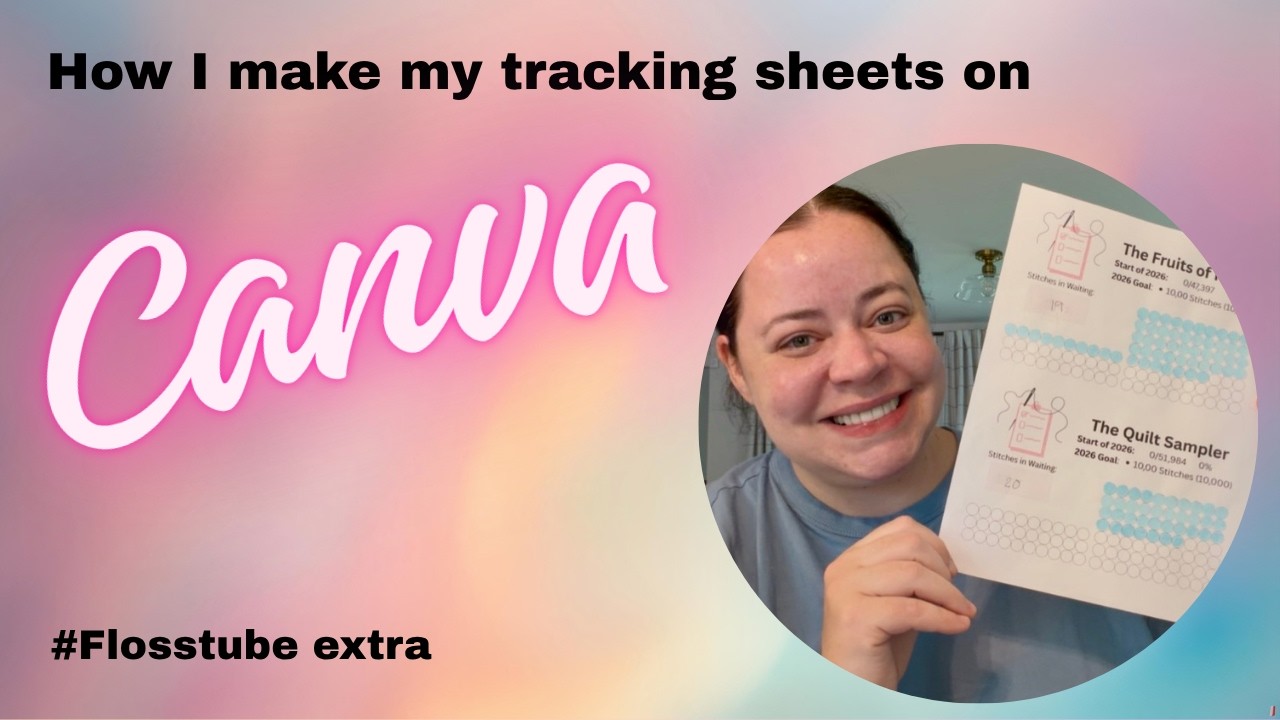
Flosstube Extra - Canva tutorial on how I make my project tracking sheets
Summary AI
In this Flosstube extra, host Jackie from The Stitch List shares a Canva tutorial on how she creates her project tracking sheets for cross-stitch. She explains that she makes these sheets for all her projects, using free Canva elements, and that each circle on the sheet represents 100 stitches. She demonstrates how to set up a new design, add titles and text, insert a project photo, and duplicate elements to create a grid of circles for tracking progress.
- Jackie demonstrates how to create project tracking sheets using Canva's free elements.
- Each circle on the sheet represents 100 stitches, with extra stitches tracked separately.
- She shows how to add a project photo using Canva's frames feature.
- Jackie plans to refine her sheets for 2027 with more specific goals and possibly professional printing.
- She encourages viewers to experiment with Canva and offers to answer questions in the comments.