

 ▶ Watch on YouTube
How I Mark Cross Stitch Patterns on My iPad ( No Subscription Needed!)
Summary AI
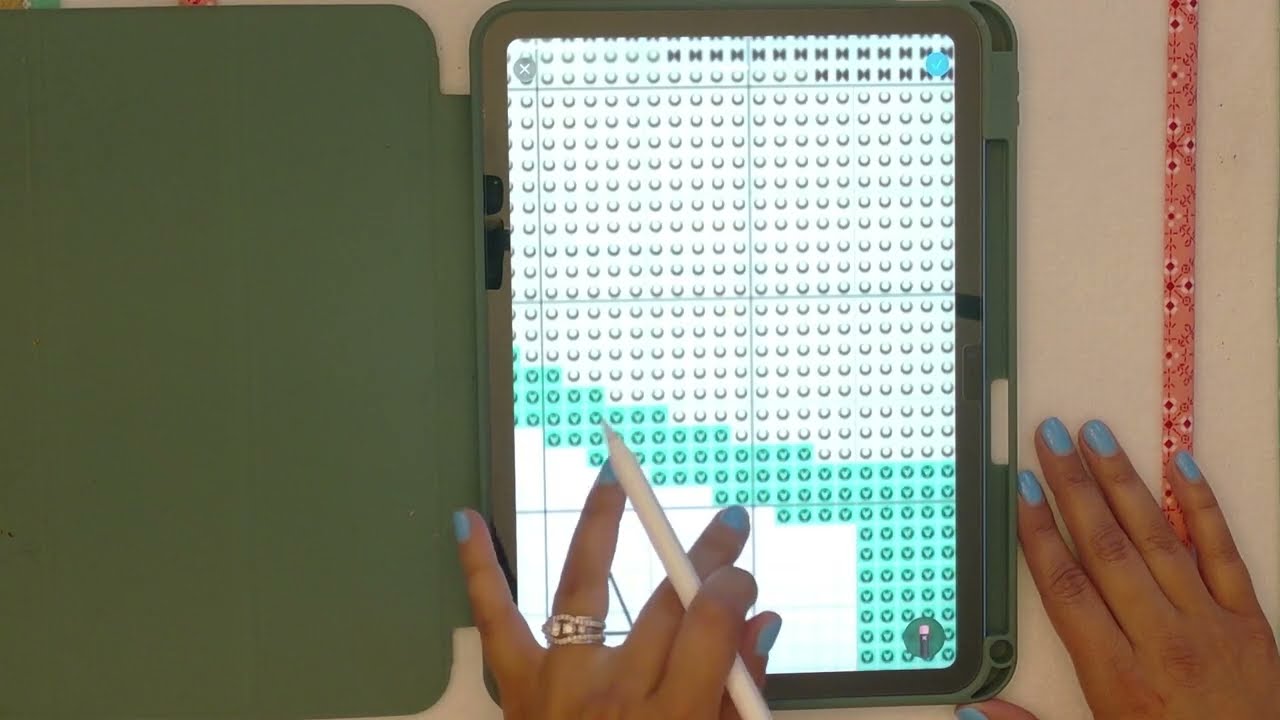
Jasmine from TangledFlossStitchery demonstrates how to mark up cross stitch patterns on an iPad using the built-in Photos app and an Apple Pencil, with no subscription needed. She explains how to screenshot a PDF pattern, open it in the markup menu, and use tools like the highlighter and marker to track progress. She also shows how to count stitches and write numbers directly on the pattern, then erase them after stitching. The video ends with a tip to save the marked-up image so progress isn't lost.
- Screenshot the pattern PDF and open it in the Photos markup menu
- Use the highlighter or marker tool with adjustable opacity and stroke width
- Zoom in to see stitches clearly and count long lines, writing the count beside them
- Erase marks after stitching using the pixel or object eraser
- Save the marked-up image to keep progress for future stitching sessions